
Build, Buy, or Fix? A Law Firm Tools Guide & Worksheet
Compare improving existing software, buying a subscription, and building a custom tool for one recurring law firm task.
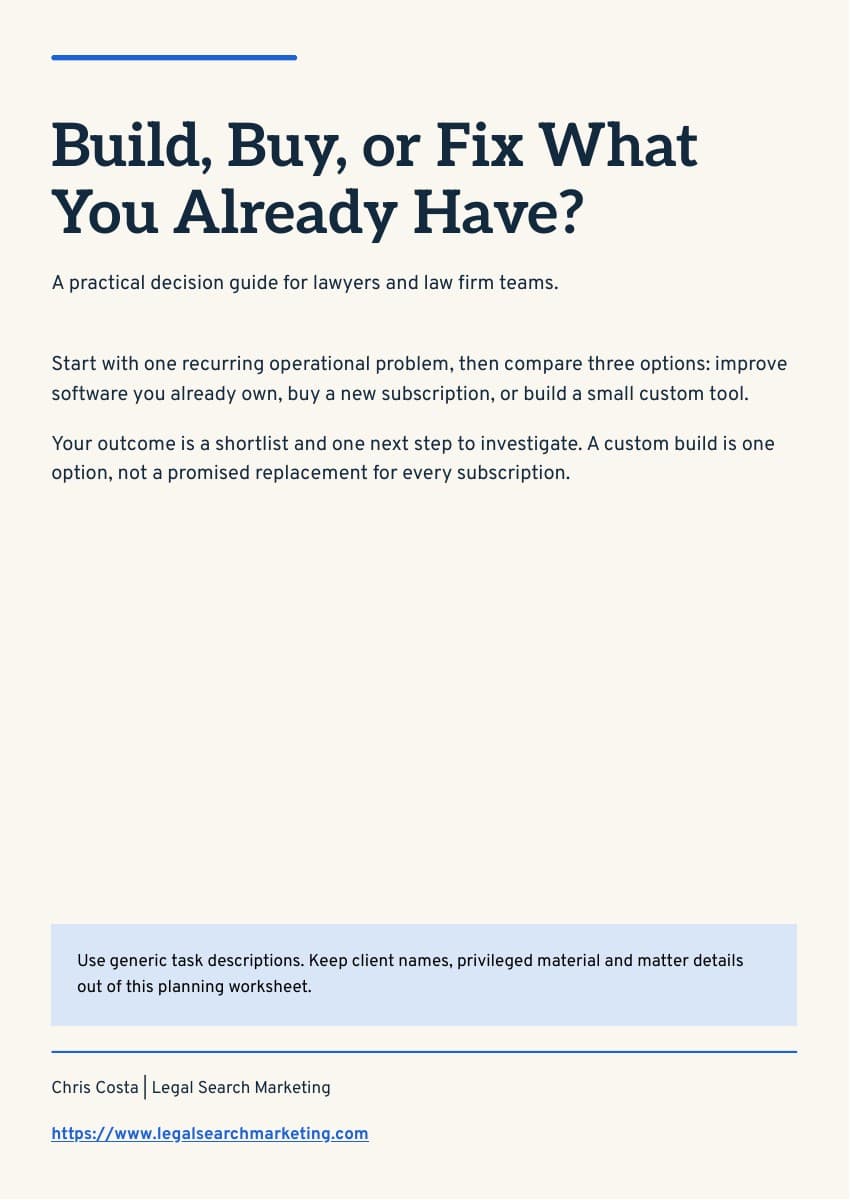
Before adding another tool, describe the work you need to improve. This six-page guide helps your firm check existing features, define must-haves, consider integrations and ownership, and plan a small pilot. The one-page comparison worksheet gives you room to compare setup costs, ongoing costs and staff effort across three options.
Both printable PDFs are free to download without an email form. Enter your own costs and estimates; the worksheet does not promise savings. Use generic workflow descriptions. Want help investigating a practical next step? Discuss your workflow with Chris. Custom development and implementation are scoped separately.
What You'll Learn
- Describe one recurring task and its owner
- Check features in software you already own
- Define the smallest useful tool
- Compare direct costs and staff effort separately
- Plan access, ownership, integrations and a pilot
Table of Contents
- 1Your starting point
- 2Describe the problem
- 3Check tools you already own
- 4Define must-haves
- 5Compare the options
- 6Pilot and next step
More Resources
Continue learning with our other guides and tools