Video Creation and Editing for Lawyers: Start with One Useful Question
Motion design, animations, website hero loops, and captioned edits built around a clear law firm message.

Video Creation and Editing for Lawyers | Chris Costa
Read the video transcript
Your law firm has useful things to explain.
Let's turn them into videos people can follow.
We create motion design videos, animations, website hero loops, and legal service explainers built around your firm's message.
Already have footage?
We can edit it, add captions and graphics, and create shorter versions for your website and social channels.
Start with a question clients ask, a service you want to introduce, or a process that needs explaining.
Then we shape the script, the visuals, and the format together.
Your team reviews the wording before anything goes live.
I'm Chris Costa with Legal Search Marketing.
Let's make your next video clear, useful, and distinctly yours.
Your firm already has things worth explaining: what a first consultation involves, how a service works, or what a prospective client should prepare. A useful video starts with one of those questions and gives the viewer a clear next step.
I help law firms turn those messages into motion design videos, animations, website hero loops, and service explainers. If you already have footage, we can edit it into a clearer presentation with captions, graphics, and shorter versions for different channels.
Choose the job before choosing the format
A homepage hero loop has a different purpose from a lawyer answering a client question. The loop can give the page movement and a visual identity. The explanation needs a script, intelligible audio, and enough time for someone to understand the message.
Start by deciding where the video will appear and what the viewer should take away. A service page might need a short introduction. A blog post can pair a video with a written explanation. A social clip might focus on a single question and link to the fuller resource.
Useful first projects include:
- A short introduction to one practice area or firm service.
- A visual walkthrough of what happens before a consultation.
- An animated explanation of an approved process.
- A quiet website hero loop that fits the firm's design.
- A captioned edit of footage you have already recorded.
Combine a presenter with visuals that explain
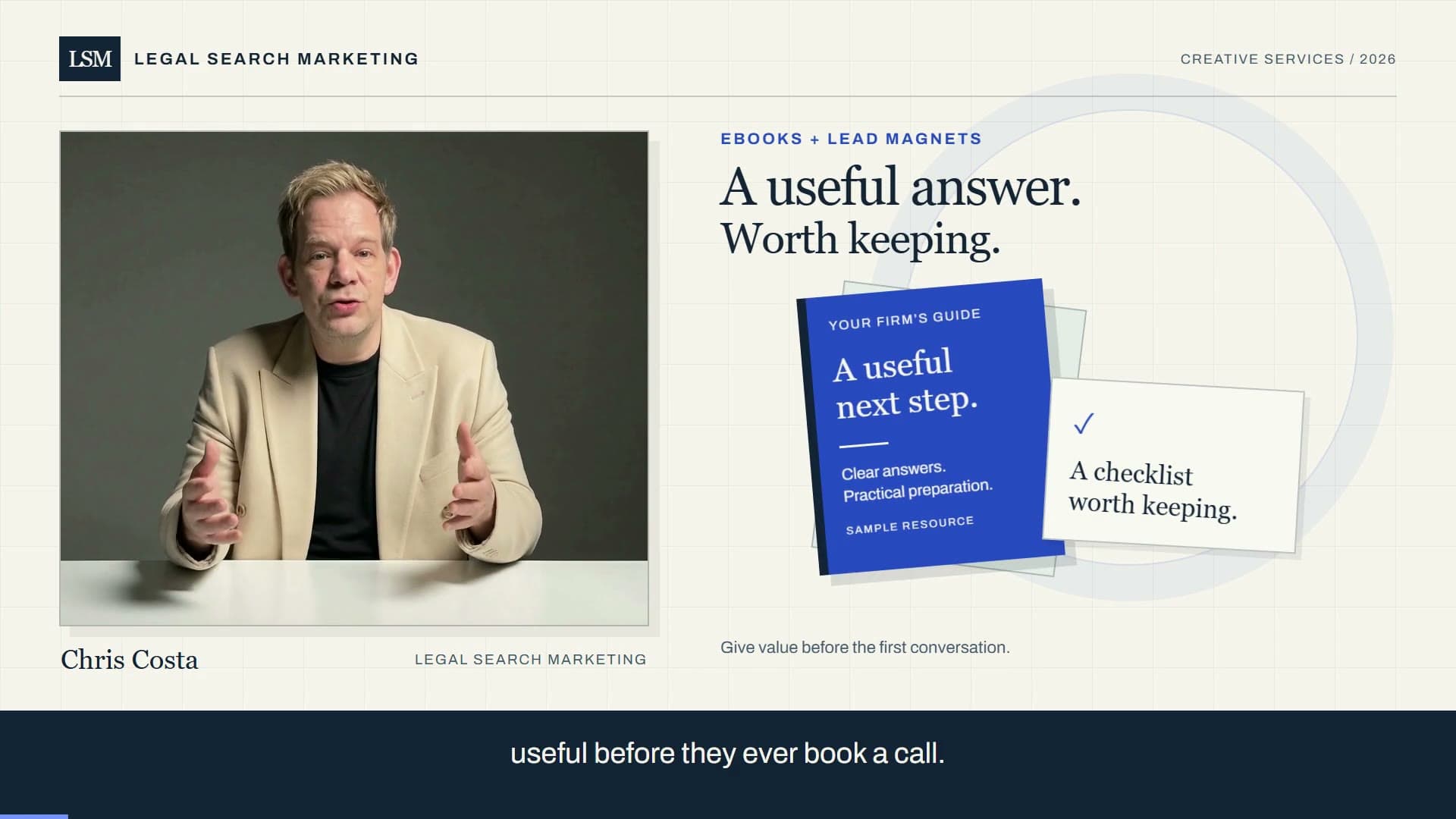
The video above combines my approved avatar with motion graphics. The presenter introduces the idea while the graphics organize the message. We can use a similar approach for a firm's service introduction, or work with footage recorded by its lawyers.
The visuals should do a specific job: show the sequence, identify the next step, or make an important distinction easier to follow. Adding movement to every element can make a message harder to read. We shape the pacing around the words and leave enough time for the viewer to absorb each point.
An avatar production uses an approved likeness and script. We agree on the presenter, voice, and wording before producing the final version. If real footage is the better fit, we can build around that instead.
Give website loops their own brief
A hero loop should fit the layout at both desktop and mobile sizes. Important details need to survive cropping, and the headline must remain easy to read over the background. The page should also have a useful still image while the video loads or when motion is reduced.
We plan loops to run quietly, with a visible way to pause motion where appropriate. A spoken introduction uses a normal video player so visitors choose when to listen. These choices make the movement part of the website experience without requiring every visitor to watch it.
Prepare versions for the places you actually use
One master video can become several edits, but a shorter cut needs its own beginning and ending. We can prepare landscape versions for a website, vertical versions for social, captions, and still images for article covers.
For existing recordings, the work may include trimming pauses, improving pacing, adding title cards, and breaking a longer explanation into focused clips. We agree on the formats and deliverables when scoping the project.
Review the wording and the finished edit
Your team reviews the message before publication. That includes the service description, contact details, and any statement about what the firm offers. We then check the finished edit for readable graphics, accurate captions, clear audio, and the intended next step.
Production is scoped around the length, footage, animation, formats, and revisions involved. Explore video creation and editing for lawyers, or tell me what you want your next video to explain. A single useful question is a good place to start.

Christopher Costa
Founder of Legal Search Marketing, helping law firms with websites and practical AI implementation.
Ready to Implement AI at Your Firm?
Schedule a discovery call to discuss how AI can transform your practice.
Schedule Discovery Call