How to Draft Demand Letters 5x Faster with AI (Without Sounding Like a Robot)
Demand letters are the perfect AI use case - high volume, consistent structure, recognizable hooks. The exact step-by-step that takes drafting time from 90 minutes to 30.

Demand Letters: A Use Case Tailor-Made for AI
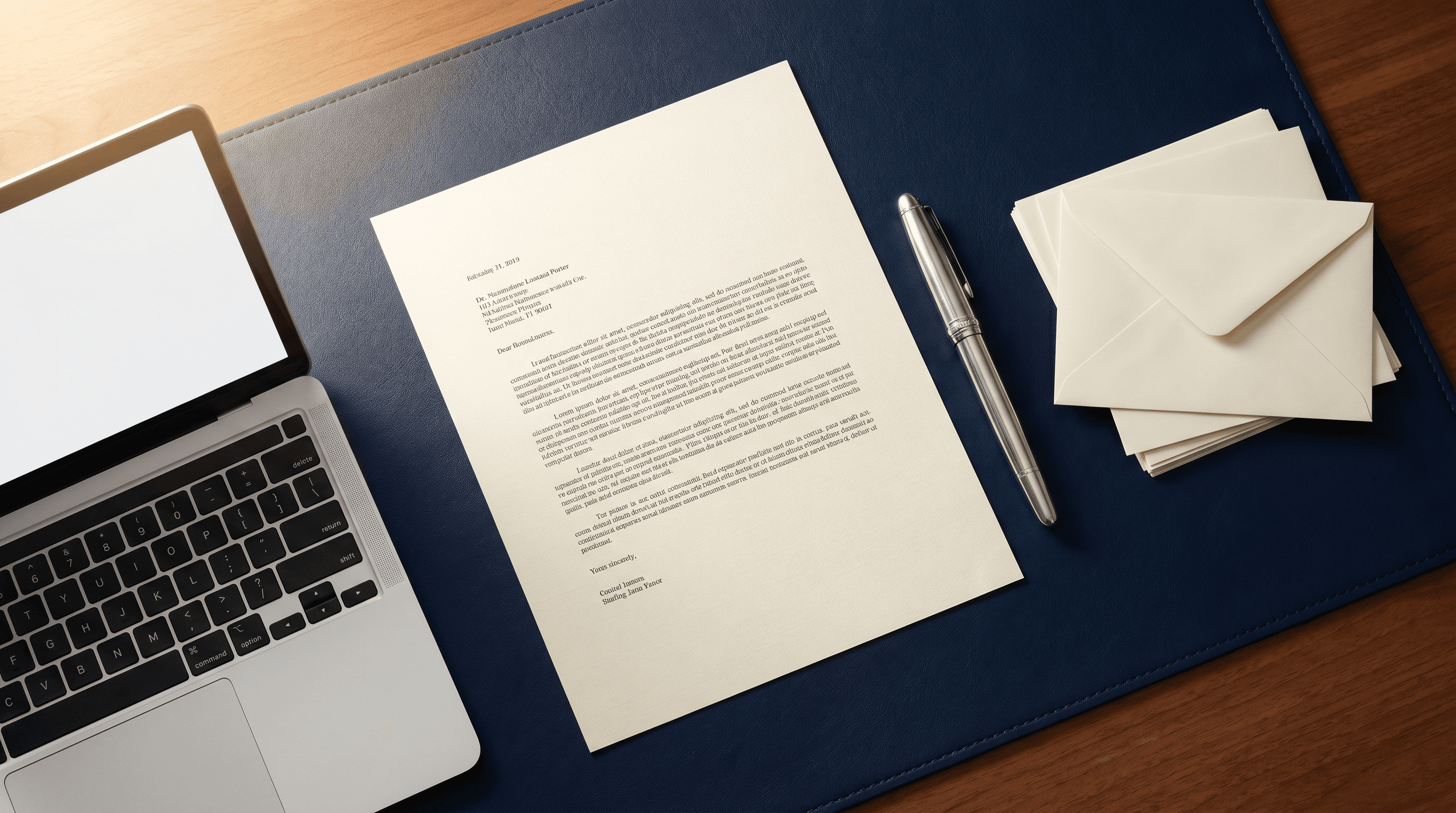
Demand letters are one of the highest-volume, highest-template work products in legal practice. The structure is consistent. The fact patterns repeat. The legal hooks are recognizable. The risk is bounded.
That makes demand letters the perfect first-real-use-case for AI. Lawyers who get this workflow right cut drafting time by 70 to 80% with no loss of quality. Lawyers who get it wrong send letters that read like ChatGPT - and lose credibility before they're opened.
This guide is the exact step-by-step we teach to PI, employment, and commercial litigation attorneys.
The Two Failure Modes
Most lawyers using AI for demand letters fall into one of two traps:
Failure 1: Too AI-sounding. Generic openings. "Furthermore" and "wherefore." Phrases like "in light of the foregoing." The recipient skims, dismisses, and lowballs the offer.
Failure 2: Too time-consuming. The lawyer overrides the AI so much that they save no time. They've effectively used AI as a slightly-better blank page.
Both are solvable with the right workflow.
The Demand Letter Workflow
Step 1: Collect Three Inputs (5 minutes)
Before opening the AI, gather:
- A prior demand letter you wrote that you're proud of. Best example you have for this case type. This is the single most important input.
- The fact pattern in bullet form. Who, what, when, where, damages, liability theory, evidence.
- The recipient context. Insurance company? Corporate counsel? Pro se defendant? Tone shifts based on audience.
Step 2: The Master Prompt (3 minutes to set up)
The prompt that consistently produces filing-quality drafts:
"You are a senior [practice area] attorney with 20 years of experience. You write demand letters that are firm, professional, and persuasive without being theatrical. Below is: (1) a prior demand letter I wrote that captures my voice and tone - match this exactly. (2) the fact pattern for the new matter. (3) the recipient context. Draft a demand letter to [recipient] requesting [demand amount or relief]. Format: header with parties and date; one paragraph each for liability, damages, demand, deadline. Length: target 1.5 to 2 pages. Constraints: do not use 'in light of the foregoing,' 'be that as it may,' or 'pursuant to.' Cite no statutes or cases - I'll add citations later. After drafting, list any factual assumptions you made and any verification I should perform."
Paste your prior letter, fact pattern, and recipient context after. For the deeper prompt framework, see the lawyer's guide to prompt engineering.
Step 3: Iterate (10-15 minutes)
The first draft will be ~70% there. Common edits:
- Tighten the liability paragraph. AI tends to over-narrate.
- Sharpen the demand. AI hedges. You don't.
- Adjust the deadline language. AI defaults to mushy timelines. Be specific.
- Match the closing. AI doesn't know your signature line preferences. Set them once, save them in your prompt library.
By iteration 2 or 3, you have a draft ready for citation work.
Step 4: Add Citations and Verify (10 minutes)
Add statutory and case citations manually. Always verify any citation the AI suggests - and never let the AI generate citations for the final letter. See AI hallucinations in legal work for why this matters.
Step 5: Final Read (5 minutes)
Read the entire letter aloud. AI letters often have a subtle rhythm problem that you only catch by reading aloud. Adjust as needed.
Total time: 30 to 40 minutes for a demand letter that used to take 90 to 120 minutes.
The Voice-Matching Trick
The single biggest unlock for demand letters is voice matching. AI will default to a generic "lawyer voice" unless you give it your voice to match.
Build a "voice library" with 5 to 8 of your best prior letters of different types. Paste them in when prompting. The AI will mirror your sentence length, vocabulary, transitions, and tone.
This single move converts an AI letter from "obviously AI-generated" to "indistinguishable from my own work."
High-Risk Mistakes
A few specific traps to avoid:
- Letting AI invent case citations. Always verify, ideally never let AI generate them at all.
- Letting AI invent facts. AI will sometimes "fill in" facts you didn't provide. Always cross-check against your file.
- Not adjusting tone for the recipient. A demand letter to a self-insured Fortune 500 is different from one to a small business owner. AI doesn't know that - you have to tell it.
- Skipping the deadline. AI sometimes hedges. Don't.
- Sending without reading aloud. Always read your final letter aloud.
The Confidentiality Layer
Demand letters typically contain extensive confidential client information. Use enterprise-tier AI (Claude Team/Enterprise, ChatGPT Team/Enterprise) or a private deployment like Claude Connect. See our full AI ethics for lawyers for the confidentiality framework.
Beyond Demand Letters: The Drafting Pattern Scales
The same workflow applies to:
- Engagement letters
- Settlement memos
- Discovery responses
- Status update letters to clients
- Deposition outlines
- Motion templates
Build your voice library once. Reuse it across every document type. See the 7 daily AI workflows for how this fits into a full practice.
ROI in Numbers
A litigation attorney who writes 8 to 12 demand letters per month and runs this workflow saves:
- 60 to 90 minutes per letter
- 8 to 18 hours per month
- 100 to 220 hours per year
At $400/hour, that's $40,000 to $88,000 per year of recovered capacity - from one workflow.
For the broader billing question (what you can and can't charge for), see should you bill AI time to clients.
Where to Go Next
If you're starting fresh, run this workflow on your next demand letter. Bring your prior best example. Use Claude Pro or ChatGPT Plus. Spend the saved hour on case strategy instead of typing.
If you want to install this across an entire firm, our AI training program includes voice-library setup, prompt libraries, and verification workflows. Or book a consult to discuss your firm's drafting workflows.
Demand letters used to be a chore. Now they're the easiest hour of your week.

Christopher Costa
Founder of Legal Search Marketing, helping law firms transform their practice with AI. Expert in GEO optimization, AI implementation, and legal technology strategy.
Ready to Implement AI at Your Firm?
Schedule a discovery call to discuss how AI can transform your practice.
Schedule Discovery Call