GPT-6 Astra, Dots, and ChatGPT Space: A Practical Starting Point for Law Firms
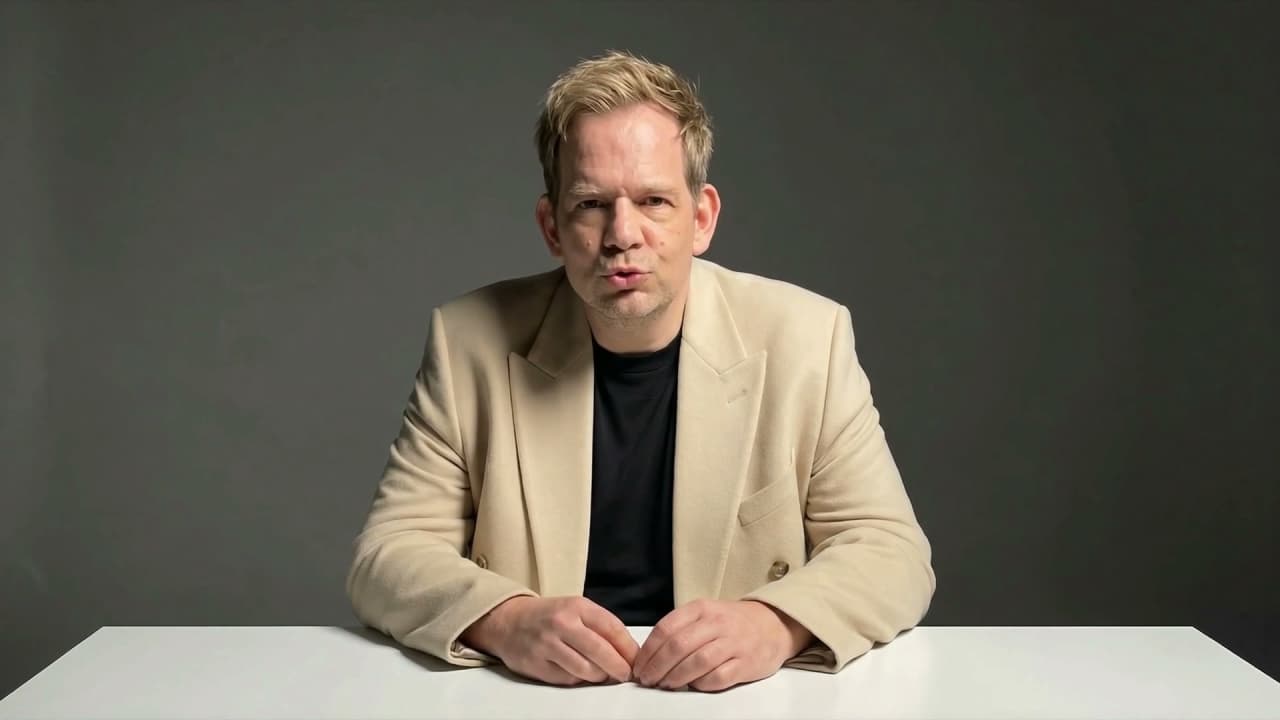
Watch Chris Costa explain three ChatGPT updates, then explore a simple newsletter workflow using public information.

GPT-6 Astra, dots, and ChatGPT Space: a practical starting point for law firms
Read the video transcript
Three ChatGPT updates are worth understanding if you're running a law firm.
First, GPT-six Astra. OpenAI describes it as its most capable model for demanding work, including research, document creation, and complex reasoning.
Second, your dot. It's an always-on agent, powered by Astra, that can keep working between conversations, use connected tools within their permissions, and come back when it needs your decision. Dots are rolling out gradually to eligible accounts.
Third, ChatGPT Space. It brings pages, files, and shared work together, so you can draft with ChatGPT and collaborate with your team.
Here's a practical starting point: use public information to plan a firm newsletter. Explore the topic, organize the draft in Space, and review the sources and wording before anything goes out.
I'm Chris Costa. In my Zoom coaching, we'll work through the tools available to you, set up a useful workflow, and practice together.
Three ChatGPT updates fit different parts of a working day: a model for demanding tasks, an agent that can continue working between conversations, and a place to organize shared work. The video above introduces them in under a minute.
For a law firm, a useful next step is a small exercise with information you can check. Here is how I would approach it in a coaching session.
GPT-6 Astra: the model
OpenAI describes GPT-6 Astra as its most capable model for demanding work, including research, document creation, and complex reasoning. That describes the model's intended role; it does not remove the need to review its output. OpenAI's GPT-6 Astra model documentation.
Start with a task you understand well enough to evaluate. For example, ask for a newsletter outline based on a few public sources you have selected. Check whether the outline reflects those sources and whether it adds unsupported claims.
Your dot: work that continues between conversations
A dot is an always-on agent powered by Astra. It can continue work between conversations and use connected tools within their permissions, returning when it needs a decision. Access is rolling out gradually to eligible accounts. Check the tools and access actually available in your account before planning a workflow around it. OpenAI's guide to dots.
For the newsletter exercise, define the topic, approved sources, desired deliverable, and the point where you want to review the work. A draft for review is a useful first assignment. Sending a newsletter or posting to social media is a separate action.
ChatGPT Space: organize and collaborate
ChatGPT Space brings pages, files, and shared work together. You can draft with ChatGPT and collaborate with your team in the same workspace. OpenAI's guide to Space.
For this exercise, keep a source list, outline, draft, and review notes together. Give colleagues a clear question to answer: are the sources appropriate, is the explanation accurate, and does the language sound like the firm?
Try a public-source newsletter exercise
- Choose a topic your intended readers would find useful, such as how your office handles an initial consultation.
- Gather approved firm information and any public sources needed for the topic. Keep links and dates with the material.
- Ask for an outline first. Adjust the focus before asking for a full draft.
- Organize the draft and source list in Space if it is available to your account.
- Review the facts, links, tone, and call to action. Keep publication as a deliberate human decision.
This is a proposed practice exercise, not a report of client results. Use public or fictional material while learning the workflow; your firm determines which tools and information are approved for actual work.
Work through it together over Zoom
In my coaching sessions, we can check which tools you have, walk through setup, and practice a useful workflow together. The goal is to understand both how to ask for the work and how to check it.
Explore AI coaching for lawyers and teams, or discuss a Zoom coaching package. Session count, fees, and follow-up support are agreed before booking.
Sources checked October 3, 2026. Features and access can change.

Christopher Costa
Founder of Legal Search Marketing, helping law firms transform their practice with AI. Expert in GEO optimization, AI implementation, and legal technology strategy.
Ready to Implement AI at Your Firm?
Schedule a discovery call to discuss how AI can transform your practice.
Schedule Discovery Call